

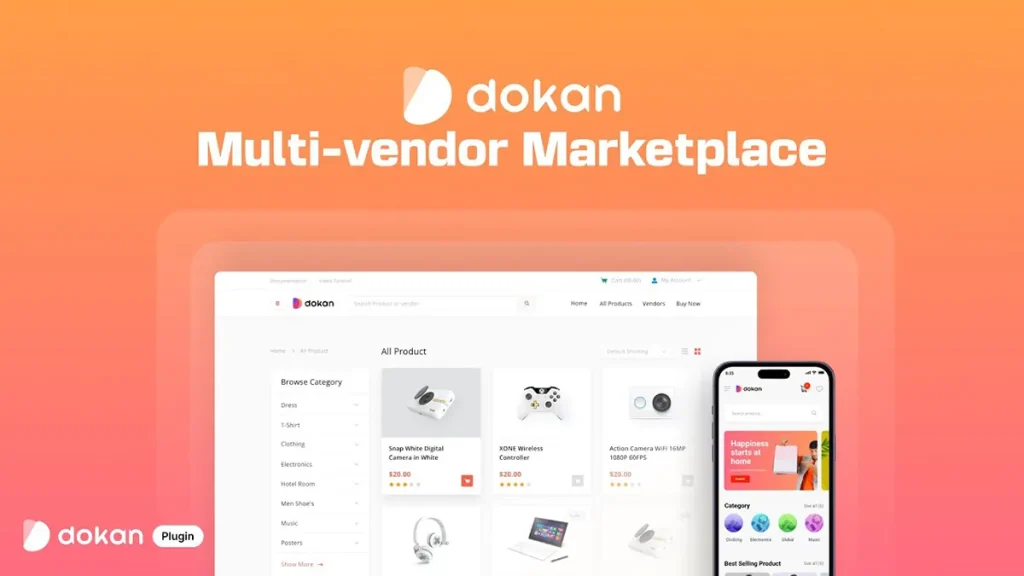
Download Dokan Pro for WordPress

Table of Contents
Dokan Pro for WordPress – Powerful Multi-Vendor Marketplace Plugin for WooCommerce
Dokan Pro is a premium multi-vendor marketplace plugin for WordPress that transforms a standard WooCommerce store into a fully featured online marketplace. It enables multiple vendors to create their own storefronts, manage products, process orders, track earnings, and handle customer interactions from a dedicated frontend dashboard, while administrators maintain complete control over the marketplace.
Whether you’re building an online marketplace similar to Amazon, eBay, Etsy, or a niche multi-vendor platform, Dokan Pro provides powerful marketplace management tools, flexible commission systems, shipping options, payment integrations, and advanced vendor features.
On this page, you can explore and download multiple versions of Dokan Pro for WordPress, allowing you to choose the version that best matches your WordPress, WooCommerce, and marketplace requirements.
Why Choose Dokan Pro
Dokan Pro is one of the leading WooCommerce multi-vendor marketplace plugins, trusted by thousands of marketplace owners worldwide.
Key advantages include:
- Complete multi-vendor marketplace solution
- Frontend vendor dashboard
- Individual vendor storefronts
- Flexible commission management
- WooCommerce integration
- Advanced shipping options
- 40+ premium marketplace modules
It is ideal for creating marketplaces for physical products, digital downloads, services, bookings, auctions, and more.
Key Features of Dokan Pro
Complete Multi-Vendor Marketplace
Turn your WooCommerce store into a marketplace where:
- Multiple vendors can register
- Vendors manage their own stores
- Sellers upload products
- Customers purchase from multiple vendors
- Administrators oversee the entire marketplace
Everything can be managed from a centralized platform.
Frontend Vendor Dashboard
Provide vendors with an intuitive dashboard to:
- Add and edit products
- Manage inventory
- Process orders
- View sales reports
- Track earnings
- Handle customer inquiries
Vendors can manage their businesses without accessing the WordPress admin panel.
Individual Vendor Stores
Each seller receives a dedicated storefront featuring:
- Store branding
- Product catalog
- Store information
- Customer reviews
- Vendor profile
- Contact options
This allows vendors to build their own brand within your marketplace.
Commission Management
Configure flexible commission models including:
- Percentage-based commissions
- Fixed commissions
- Vendor-specific commissions
- Category-based commissions
- Product-specific commissions
Customize commission structures to match your business model.
Order and Shipping Management
Manage marketplace logistics with:
- Order processing
- Shipping management
- Shipping zones
- Shipping tracking
- Vendor-specific shipping settings
- Order notifications
Help vendors efficiently fulfill customer orders.
Payment & Withdrawal System
Support vendor earnings through:
- Withdrawal requests
- Automatic payouts (supported gateways)
- Commission tracking
- Earnings reports
- Payment history
- Multiple payment methods
Streamline financial management for marketplace owners and vendors.
WooCommerce Integration
Dokan Pro integrates seamlessly with WooCommerce and supports:
- WooCommerce products
- Payment gateways
- Shipping methods
- Coupons
- Tax settings
- Product variations
It also works with many popular WordPress themes and plugins.
Premium Marketplace Modules
Extend your marketplace with premium modules such as:
- Elementor integration
- Product subscriptions
- Booking support
- Auction products
- Stripe Connect
- PayPal Marketplace
- Vendor analytics
- Table rate shipping
- Return & warranty management
- Product advertising
These modules enable advanced marketplace functionality.
System Requirements
Minimum Requirements
- WordPress (supported version)
- WooCommerce installed and activated
- PHP 7.4 or later
- MySQL 5.7 or MariaDB equivalent
- HTTPS-enabled website
Recommended Requirements
- Latest version of WordPress
- Latest version of WooCommerce
- PHP 8.x
- 256 MB or higher PHP memory limit
- SSD-based web hosting
- Optimized Apache or Nginx server
Who Should Use Dokan Pro
Dokan Pro is ideal for:
- Marketplace owners
- Entrepreneurs
- eCommerce businesses
- WooCommerce store owners
- Digital product marketplaces
- Service marketplaces
- Multi-vendor store operators
- Web agencies
- Developers
It provides a comprehensive solution for building, managing, and scaling professional multi-vendor marketplaces on WordPress.
Important Note
For the best security, compatibility, performance, updates, and access to premium modules and support, always use Dokan Pro with a valid license obtained through the official Dokan platform.