

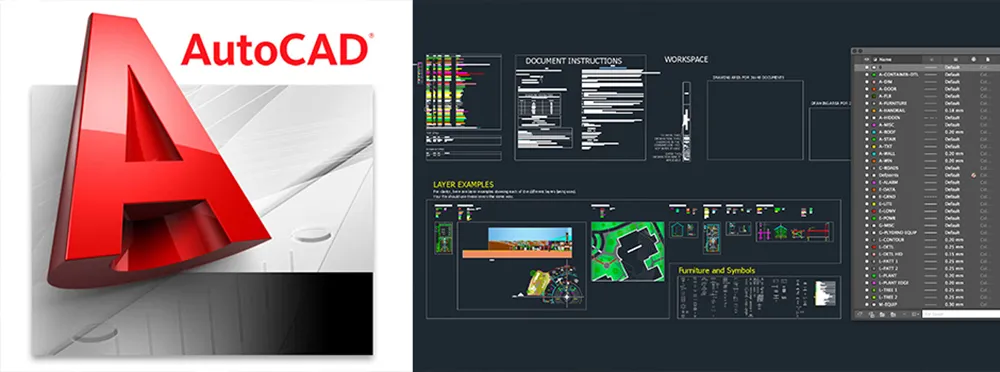
Download AutoCAD for Mac

Table of Contents
Autodesk AutoCAD – Professional CAD Design & Drafting Software
Autodesk AutoCAD for Mac is a professional computer-aided design (CAD) software used by architects, engineers, designers, and professionals for creating precise 2D drawings and 3D models. It provides advanced drafting tools, documentation features, and design capabilities optimized for macOS.
AutoCAD helps professionals create detailed plans, technical drawings, mechanical designs, architectural layouts, and engineering documentation with accuracy and efficiency.
On this page, you can explore and download multiple versions of Autodesk AutoCAD for Mac, allowing you to choose the version that best matches your macOS compatibility and design requirements.
Why Choose AutoCAD for Mac
AutoCAD is one of the most widely used CAD applications because it provides industry-standard tools for professional design workflows.
Key advantages include:
- Professional 2D drafting tools
- Advanced 3D modeling features
- Precision measurement and documentation
- DWG file support
- Customizable workspace
- Industry-standard CAD workflow
It is widely used across architecture, engineering, construction, manufacturing, and product design industries.
Key Features of Autodesk AutoCAD
Professional 2D Drafting
Create accurate technical drawings with:
- Lines and shapes
- Dimensions
- Annotations
- Layers
- Blocks
- Layout tools
AutoCAD provides precise tools for creating professional drawings.
3D Modeling and Design
Build detailed 3D projects using:
- Solid modeling
- Surface creation
- Object editing
- 3D visualization
- Model inspection tools
Create realistic concepts and engineering models.
DWG File Compatibility
Work with industry-standard formats including:
- DWG files
- DXF files
- Design templates
- External references
Easily collaborate with other CAD users.
Architecture and Engineering Design
AutoCAD is commonly used for:
- Building plans
- Floor layouts
- Construction drawings
- Mechanical designs
- Electrical diagrams
It supports professional project documentation.
Layer and Object Management
Organize complex designs using:
- Layer controls
- Object properties
- Design groups
- Visibility settings
This helps manage large projects efficiently.
Customizable Workspace
Improve workflow with:
- Custom tool layouts
- Shortcut commands
- User preferences
- Drawing templates
Professionals can adapt AutoCAD to their working style.
Rendering and Visualization
Present designs with:
- Visual styles
- Materials
- Lighting options
- Realistic views
Useful for presentations and design reviews.
macOS Optimization
AutoCAD for Mac supports modern Mac systems including:
- Intel-based Macs
- Apple Silicon Macs
- MacBook Pro
- MacBook Air
- iMac and Mac Studio systems
It provides a native design environment for Mac users.
System Requirements for Mac
Minimum Requirements
- Supported macOS version
- Intel processor or Apple Silicon Mac
- 8 GB RAM
- Available storage space
Recommended Requirements
- Apple Silicon Mac (M-series)
- 16 GB RAM or higher
- Dedicated graphics support
- SSD storage
- High-resolution display
Who Should Use AutoCAD for Mac
AutoCAD is ideal for:
- Architects
- Civil engineers
- Mechanical engineers
- Product designers
- Interior designers
- Construction professionals
- CAD students
- Technical draftsmen
It provides a complete environment for professional design and documentation.
Important Note
For the best performance, security, and access to official updates, always use Autodesk AutoCAD through official Autodesk licensing and distribution channels.